

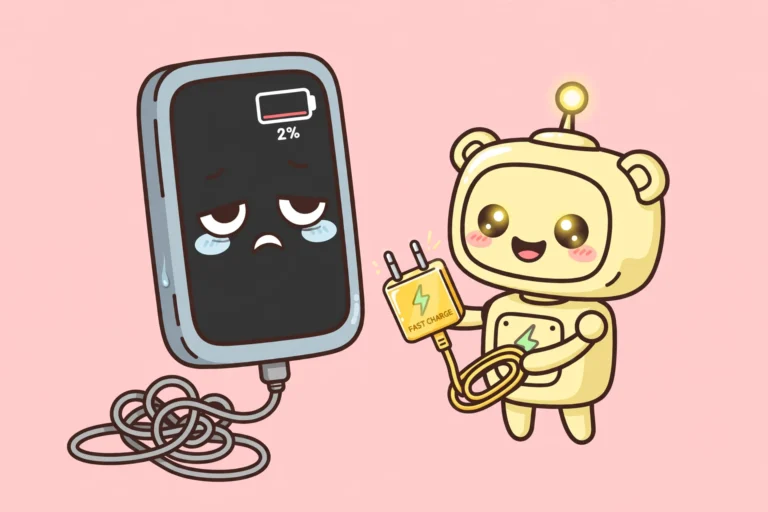

You plug in at 20 percent. You come back an hour later. Your phone is only at 45 percent. Something is clearly wrong, but it is rarely the battery. In most cases the problem is the charger, the cable, the port, or a setting quietly holding the charge back. This guide walks through the real causes of phone charging slowly, in order, from most likely to least likely, so you can find yours fast. It covers iPhone and Android, and almost every fix costs nothing.
WHY IS YOUR PHONE CHARGING SLOWLY
- Weak charger or cable: The number one cause. Old 5 watt cubes, laptop USB ports, and cheap cables cannot deliver fast charging, no matter what your phone supports.
- Lint in the charging port: Pockets fill the port with lint. The plug no longer seats fully, so the connection drops in and out and charging crawls.
- Heat: A hot phone slows its own charging on purpose to protect the battery. Sunlight, a thick case, and gaming while charging all add heat.
- The 80 percent hold: iPhones and many Android phones pause or slow charging near 80 percent to protect battery health. It looks like a fault. It is a feature.
- Using the phone while it charges: The screen, games, video calls, and navigation eat power as fast as the charger supplies it. The battery percentage barely moves.
- Wireless charging: Wireless pads are slower than a cable by nature, and a badly aligned phone charges slower still.
- A worn battery: On phones more than two or three years old, a tired battery can be part of the story. Check this last, after the free fixes.
FIRST, FIND THE CULPRIT IN TWO MINUTES
Work through this quick check before changing anything.
- Try a different cable and a different wall charger. If the speed jumps, you have found it.
- Read what your phone says. iPhone may show Slow Charger or Charging On Hold. Samsung may show Slow charging. Pixel may show Charging slowly. Each one points at a weak charger or a heat or battery setting.
- Look at the port with a flashlight. If you see lint packed at the bottom, that is a strong suspect.
- Feel the phone. If it is warm, heat is slowing the charge right now.
PHONE CHARGING SLOWLY? FIXES THAT ACTUALLY SPEED IT UP
Work through these in order to fix phone charging slowly. Stop when the speed jumps.
- Plug into a proper wall charger: Skip laptop ports, car sockets, and the USB ports built into power strips. They deliver far less power than a wall charger. Use a USB-C wall charger that supports USB Power Delivery. For most modern phones a 20 watt charger or higher is the baseline. Apple’s USB-C charging guide explains which adapters give faster charging on iPhones. Samsung owners should look for a charger with PPS support, because that is what unlocks Super Fast Charging. A higher watt charger cannot force too much power into your phone. The phone and charger agree on a safe level, and the phone takes only what it can handle.
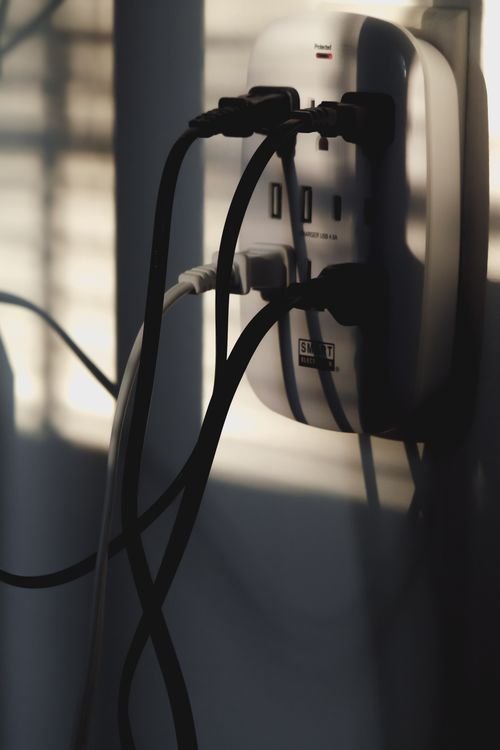
- Swap the cable: Cables look identical on the outside and vary wildly inside. A frayed, kinked, or bargain-bin cable is the most common single cause of slow charging. Try a certified cable. Older iPhones with Lightning need an MFi certified cable. Modern phones need a USB-C to USB-C cable rated 60 watts or higher. If the cable only works when held at an angle, throw it away. That is a damaged cable, not a quirk.
- Clean the charging port safely: Power the phone off first. Use a wooden toothpick or a soft brush and gently lift the lint out. Never use metal. Metal can short the pins and damage the phone. Never use anything wet. Work gently and stop if you meet resistance. When the plug seats fully again with a firm click, you are done.
- Cool the phone down: Take a thick case off while charging. Move the phone out of direct sunlight and off pillows and bedding, which trap heat. If the phone is hot, let it cool for ten minutes with the screen locked before charging again. A warm phone slows charging on purpose, so cooling it is a real fix, not a guess.
- Leave the phone alone while it charges: For the fastest charge, lock the screen and leave it alone. If you need to use it, keep it light. Gaming, video calls, navigation, and hotspot use while charging can make the phone hot enough to slow or pause charging. Airplane mode helps if you do not need calls, because it cuts background radio work.
- Check the 80 percent setting: If charging slows or stops near 80 percent, a battery health feature is doing its job. You can switch it off for the day when you need a full charge, then switch it back on.
- iPhone: Go to Settings, then Battery, then Charging. Turn off Optimized Battery Charging for the day, or raise the charge limit if your iPhone lets you set one.
- Samsung: Go to Settings, then Battery, then Battery protection, and turn it off for the day.
- Pixel: Go to Settings, then Battery, then Adaptive Charging, and turn it off for the day.
Keep these features on most of the time. They exist to make the battery last longer. The same 80 percent idea works for laptops too. We covered it in our laptop battery charge limit guide. - Restart and update: A restart clears temporary software glitches that can affect charging. Then check for a software update. Updates often include battery and charging fixes. On iPhone, go to Settings, then General, then Software Update. On Android, go to Settings, then System, then Software update. The exact labels vary slightly by brand.
- Check the battery health: On iPhone, go to Settings, then Battery, then Battery Health. If maximum capacity is below 80 percent, the battery is worn and a battery replacement will help more than any charger. On Android, check your brand’s diagnostics in Settings, or use a reputable battery health app. A battery replacement costs far less than a new phone.
PHONE CHARGING SLOWLY ON WIRELESS CHARGERS
Wireless charging is convenient and slower than a cable. That is normal, not a fault. For the fastest wireless charge, centre the phone on the pad so the coils line up. Take thick or metal cases off, because they block charging and add heat. MagSafe and Qi2 chargers charge iPhones faster than basic Qi pads. If you are in a hurry, plug in with a cable instead.
MYTHS THAT DO NOT HELP
- Closing every app: Closing apps one by one barely changes charging speed. The screen and heat matter far more than background apps.
- A bigger charger will fry your phone: False. The phone controls how much power it takes. A good quality higher watt charger is safe. A cheap unbranded charger is the real risk, so avoid those.
- Putting a hot phone in the fridge: Never do this. Condensation inside the phone can cause real damage. Let it cool at room temperature instead.
- Charging overnight ruins the battery: Modern phones manage overnight charging and hold at 80 percent until near morning. Overnight charging is fine. The 80 percent features above are the reason it is fine.
FREQUENTLY ASKED QUESTIONS
Why does my phone stop charging at 80 percent? Usually on purpose. iPhone Optimized Battery Charging waits to finish past 80 percent until you need the phone. Samsung Battery protection and Pixel Adaptive Charging work the same way. A hot phone can also pause charging above 80 percent. Check the charging settings for your phone.
Can I use a higher watt charger than the one my phone came with? Yes, if it is a good quality charger using the standard your phone supports, such as USB Power Delivery. The phone takes only what it can handle. A higher watt charger will not charge faster than the phone allows.
Is it safe to leave my phone plugged in overnight? Yes. Modern phones stop at full charge and trickle charge, and most hold at 80 percent until morning. Keep the battery health features switched on for everyday use.
Does fast charging ruin the battery? Fast charging adds some heat, which ages batteries slightly faster over years, but it is well within what phones are designed for. Heat and deep discharges matter more. Do not fear fast charging, and do not bake the phone while it charges.
Why is wireless charging slower? Wireless charging loses more energy as heat than a cable does, and even modern wireless standards deliver less power than wired charging. For speed, always use a cable.
When should I replace the battery? When health drops below 80 percent, or when the phone dies quickly even after the fixes above. A new battery gives an old phone a second life for a fraction of the price of a new one.
FINAL WORDS
Phone charging slowly is almost never a mystery and almost never means buying a new phone. Start with the cable and the wall charger, clean the port, cool the phone down, and check the 80 percent setting. Most people find the culprit in the first two steps. The battery is the last suspect, not the first, and even then a battery replacement beats a new phone. Charge smart, and the percentage will move the way it should.