
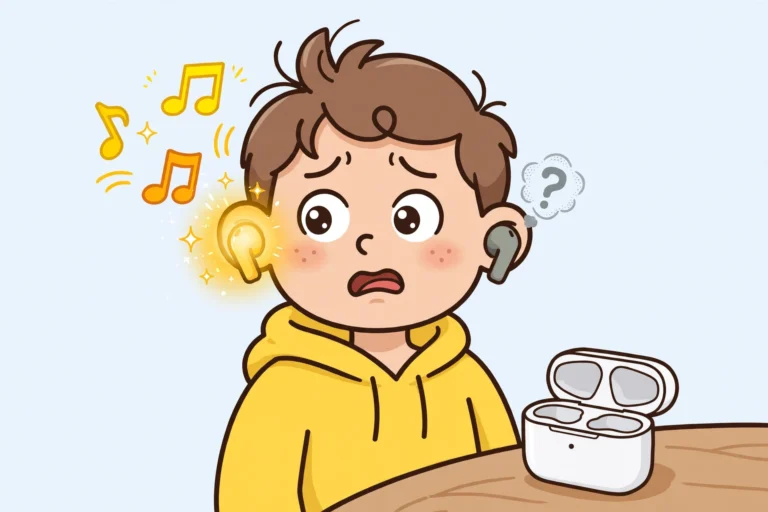

If one earbud not working has ruined your music, you are not alone. First, do not panic. Next, try the quick checks below. In most cases, one earbud not working is a small fix, not a dead earbud. So, work through each step in order. You may get both sides back in minutes.
Why Is One Earbud Not Working?
One earbud can stop for a few simple reasons. For example, low charge can cut one side first. Also, dirt can block the charge pins. In addition, a loose Bluetooth link can drop one bud. Finally, a wrong balance setting can mute one side. So, check the easy causes first.
1. Charge Both Earbuds Fully
Put both buds back in the case. Then, close the lid for ten seconds. Next, open the lid and check the lights. If one light stays dark, reseat that bud. Also, clean the case port with a dry cloth. Then, charge the case for at least 30 minutes.
- Place both buds in the case.
- Close the lid, then open it again.
- Check the charge light for each bud.
- Charge the case for 30 minutes.
2. Clean the Charging Contacts for One Earbud Not Working
Dirt on the pins can stop one earbud from charging. First, take the quiet bud out of the case. Next, wipe its gold pins with a dry cotton swab. Then, wipe the pins inside the case too. Also, check the ear tip for wax. Finally, put the bud back and charge it again.
3. Check the Balance and Volume
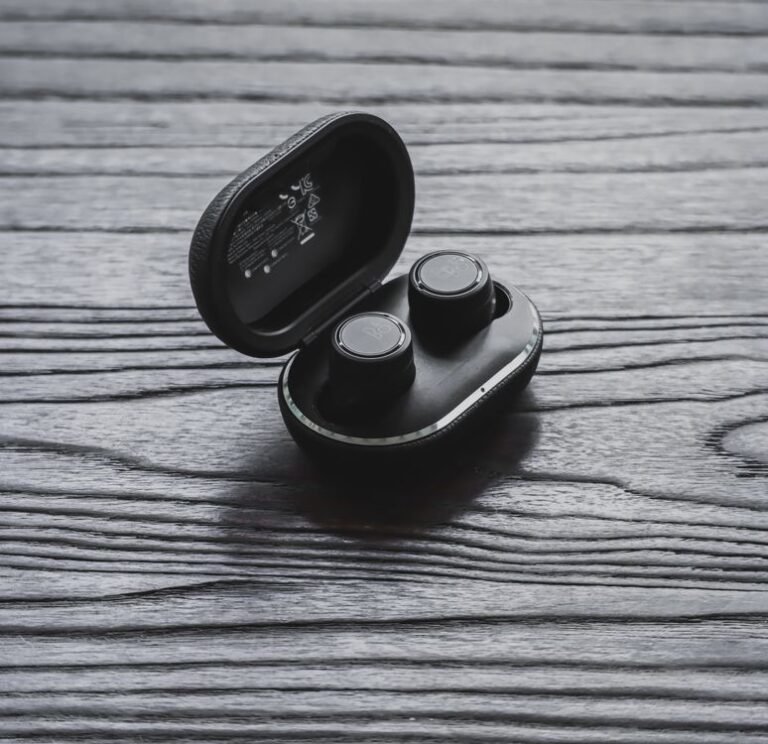
A balance slider can send sound to one side only. First, open the sound settings on your phone. Next, move the balance slider to the middle. Then, play a song and test both buds. Also, turn the volume up a little. If sound returns, the fix was that simple.
4. Forget and Pair Again to Fix One Earbud Not Working
A stale pairing can break the link to one bud. First, open Bluetooth settings on your phone. Next, tap Forget for your earbuds. Then, put both buds in the case. After that, open the lid and pair them again. Also, keep your phone close during pairing. Finally, play music and check both sides.

- Open Bluetooth settings.
- Tap Forget for your earbuds.
- Put both buds back in the case.
- Pair the earbuds again.
- Test both sides with music.
5. Test on Another Device
This test shows if the fault sits in the buds or the phone. First, pair the buds with a second phone or laptop. Next, play the same song. Then, listen to both sides. If one side still fails, the bud likely has a fault. However, if both sides work, check your first phone again.
6. Reset Your Earbuds
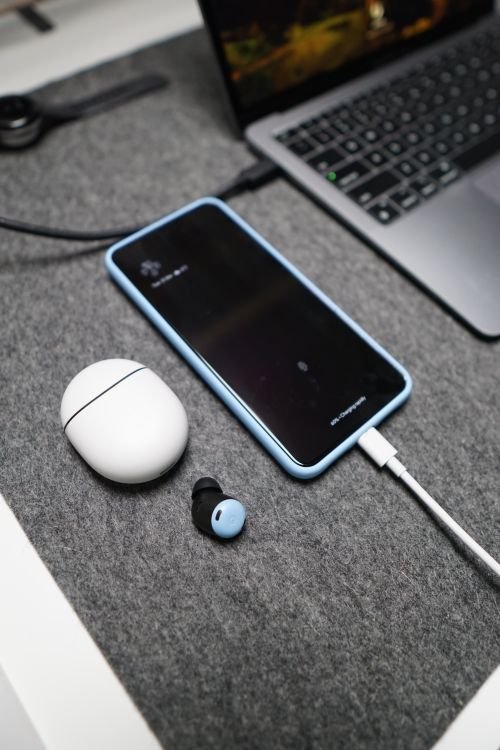
If the steps above fail, reset the buds. First, check your brand guide for the reset steps. Next, hold the reset button for the stated time. Then, pair the buds again from scratch. Also, test them right after the reset. In many cases, a reset clears a stuck link. For brand specific reset steps, see Anker’s guide to one earbud not working.
When to Get Help
Seek help if one earbud not working stays after all these steps. For example, a swollen case or a cracked bud needs care. Also, water damage may need a repair shop. In addition, check your warranty before you open the case. Finally, keep your proof of purchase ready. So, you can get a fast repair or a replacement.
Frequently Asked Questions About One Earbud Not Working
Why does the left earbud often stop first? In many pairs, the left bud links through the right bud. So a weak link can cut the left side first. Also, a poor fit in the case can leave it low on charge. First, charge both buds. Then, re-pair them.
Can dirty charging contacts really silence one earbud? Yes. Dirt can block the charge pins, so one bud may run flat while the other charges. First, clean the pins with a dry cloth. Then, charge both buds again.
How can you tell if an earbud is truly broken? First, try the steps on a second device. If one bud stays silent on both devices, it may be broken. Also, check for cracks, swelling, or water damage. If you see damage, seek repair or a replacement.
To sum up, charge, clean, balance, re-pair, test, and reset. First, try the quick steps. Next, move to the deeper steps only if you need them. Good luck, and enjoy sound on both sides again. If your phone itself is the problem, see our guide on what to do when your phone keeps restarting.